

The AWS Startup Launch Kit: Building a Scalable and Secure SaaS Infrastructure from Day One
A practical guide for startups on building a scalable, secure, and cost-effective SaaS platform using a core set of AWS services. Learn how to establish a strong foundation for future growth from day one.
Introduction: From Garage Idea to Global Scale
Every successful startup begins with a powerful idea. But in the digital age, an idea is only as strong as the infrastructure that supports it. For a new SaaS company, the pressure is immense: you need to build a product, find customers, and iterate at lightning speed. The last thing you want is for your infrastructure to become a bottleneck—a fragile, insecure, and unscalable system that crumbles under the weight of your first wave of users. How do you build an enterprise-grade foundation on a startup budget and timeline?
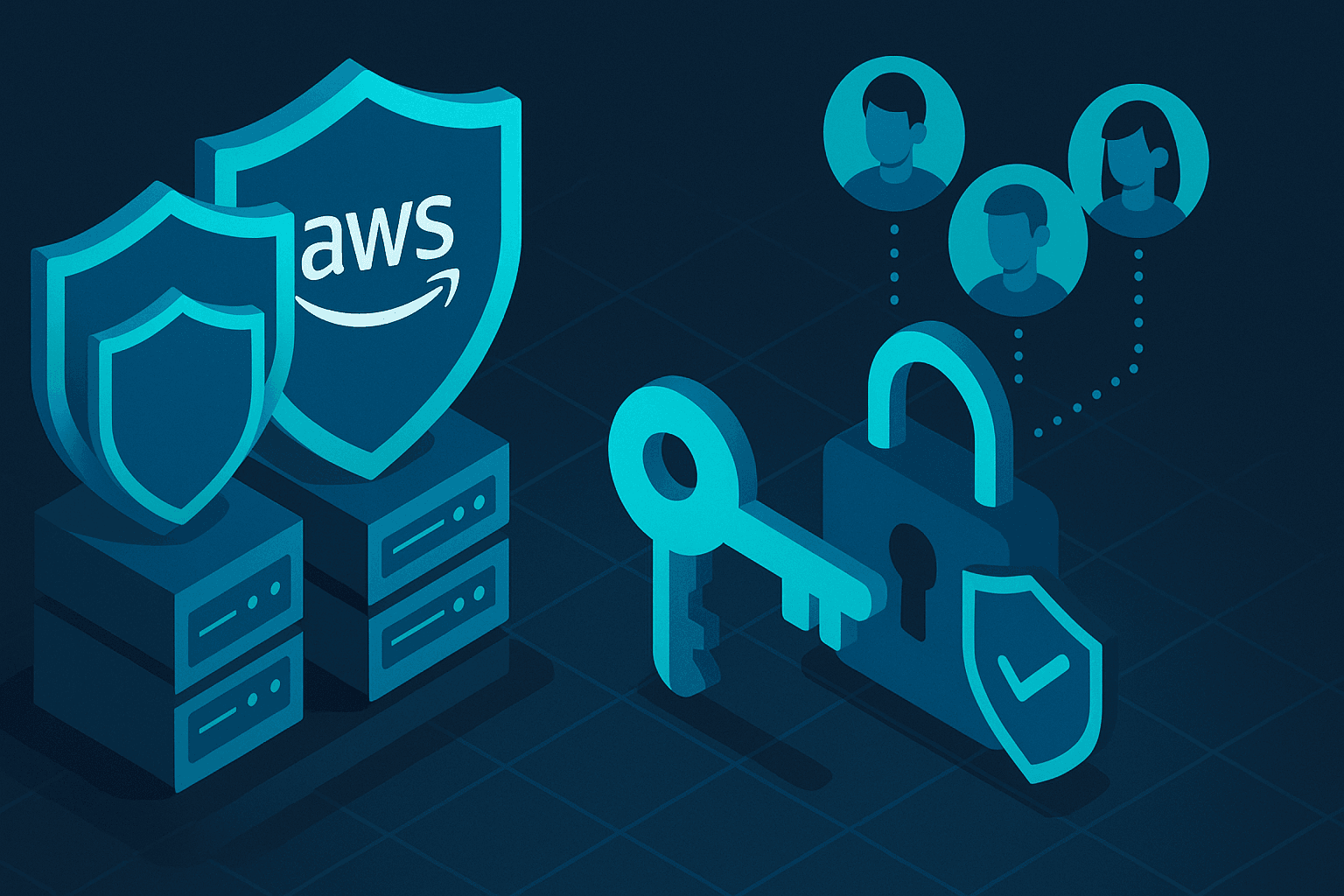
The answer isn't to cut corners; it's to build smart from the very beginning. By leveraging the power of Amazon Web Services (AWS), you can assemble a "Startup Launch Kit"—a collection of core services and best practices that provide a secure, scalable, and automated foundation. This isn't about over-engineering; it's about making the right architectural choices now to ensure you can grow from ten users to ten million without having to re-architect your entire platform.
Section 1: The Bedrock: Security, Identity, and Cost Management
Before you write a single line of application code, you must establish a secure and well-governed AWS environment. Getting this right prevents future security breaches and runaway bills, which can be fatal for an early-stage company.
- Secure Your Accounts with AWS Organizations and Control Tower: Don't just open a single AWS account. Start with AWS Organizations to create a multi-account structure. This allows you to isolate your development, testing, and production environments, which is a critical security practice. For a guided setup, AWS Control Tower automates the creation of this secure "landing zone," implementing preventative guardrails and best practices from the start.
- Enforce the Principle of Least Privilege with IAM: Your root account user has god-mode access. Never use it for daily tasks. Instead, use AWS Identity and Access Management (IAM) to create specific roles and users with only the permissions they absolutely need. Enforce Multi-Factor Authentication (MFA) on all users, especially the root user and administrators. This is your single most effective defense against unauthorized access.
- Avoid Bill Shock with AWS Budgets: There’s no worse surprise for a founder than an unexpected five-figure AWS bill. From day one, set up AWS Budgets and billing alerts. You can create alerts that notify you when your spending exceeds a certain threshold or when your usage of a specific service spikes. This simple step gives you the visibility needed to keep costs under control while you focus on building.
Section 2: The Engine: Your Core Compute and Data Stack
With the foundation in place, it's time to build the engine that powers your application. The key here is to choose services that can start small and scale seamlessly as your user base grows.
- Compute: Containers for Portability and Scale: While starting with a simple EC2 instance is tempting, a container-based workflow is the modern standard for SaaS applications. Containers (using Docker) allow you to package your application and its dependencies, ensuring it runs consistently anywhere.
- AWS Fargate: This is the perfect starting point for most startups. Fargate is a serverless compute engine for containers. You simply provide your container image, and Fargate handles all the underlying server management, patching, and scaling. You pay only for the resources your application uses, making it incredibly cost-effective.
- Amazon ECS (Elastic Container Service): As you grow, you might need more control. ECS is a powerful container orchestrator that integrates deeply with the AWS ecosystem, providing a smooth-scaling path from Fargate.
- Databases: The Right Tool for the Right Job: Your choice of database has long-term implications for performance and scalability.
- Amazon RDS for Relational Data: For your primary application data (user profiles, transactions, etc.), Amazon Relational Database Service (RDS) is the go-to choice. It provides managed instances of popular engines like PostgreSQL and MySQL. RDS handles backups, patching, and failover, freeing up your engineers from tedious database administration. Start with a small instance and scale it up with a few clicks as needed.
- Amazon DynamoDB for NoSQL at Scale: For use cases that require extreme scalability and low-latency performance, like session data, shopping carts, or leaderboards, Amazon DynamoDB is unbeatable. As a fully managed NoSQL database, it can handle virtually any amount of traffic you throw at it.
- Storage and Delivery: Fast, Reliable, and Global:
- Amazon S3 (Simple Storage Service): Use S3 for storing all of your static assets—user-uploaded files, images, videos, and the front-end code for your web application. It’s incredibly durable, cheap, and infinitely scalable.
- Amazon CloudFront: To deliver your application to users globally with low latency, you need a Content Delivery Network (CDN). Amazon CloudFront integrates seamlessly with S3 and your application servers. It caches your content at edge locations around the world, ensuring a fast, responsive user experience no matter where your customers are.
Section 3: The Flywheel: Automation and Infrastructure as Code
To move fast and stay competitive, you must automate. Manual deployments and server configuration are slow, error-prone, and unscalable.
- Build a CI/CD Pipeline from Day One: Continuous Integration and Continuous Deployment (CI/CD) is the practice of automating how you build, test, and release your software.
- AWS CodePipeline: This service orchestrates your entire release process. You can define stages for pulling source code (from AWS CodeCommit or GitHub), building your container images (AWS CodeBuild), and deploying them to Fargate or ECS (AWS CodeDeploy). An automated pipeline allows your developers to ship features securely and confidently multiple times a day.
- Define Your Infrastructure as Code (IaC): Manually clicking through the AWS console to set up your infrastructure is not a viable long-term strategy. AWS CloudFormation allows you to define your entire infrastructure—VPCs, databases, IAM roles, everything—in a text file (YAML or JSON). This template becomes the single source of truth for your environment. IaC makes your infrastructure repeatable, auditable, and easy to modify, which is essential for scaling and disaster recovery.
Conclusion: Build for Tomorrow, Launch Today
Building a successful SaaS company is a marathon, not a sprint. The architectural choices you make in the first few months will set the pace for years to come. By adopting this "AWS Startup Launch Kit," you are not just building an application; you are building a resilient, secure, and scalable platform for growth.
This blueprint allows your team to stop worrying about managing servers and start focusing on what truly matters: building a great product that customers love. The foundation is set. Now, go build the future.
Ready to turn your vision into a reality? The experts at Nine Square Technology specialize in crafting bespoke AWS architectures for startups. Contact us today to ensure your infrastructure is ready for scale from day one.